Desktop
macOS
Download the Mac version of Scott’s TCG Binder.
Version 1.0.0 disk image for Mac.
The button above downloads the disk image. Questions about Mac download access or distribution: downloads@scottstcgbinder.com.
 Scott's TCG Binder
Choose the version for your Apple device.
macOS
Download the Mac version of Scott’s TCG Binder.
Version 1.0.0 disk image for Mac.
The button above downloads the disk image. Questions about Mac download access or distribution: downloads@scottstcgbinder.com.
iOS
The iPhone version will be available on the App Store.
When that listing is published, scan the code with an iPhone to open it. The code on this page is a temporary placeholder.

iPadOS
The iPad version will be available on the App Store.
When that listing is published, scan the code with an iPad to open it. The code on this page is a temporary placeholder. iPhone and iPad currently share one App Store address.
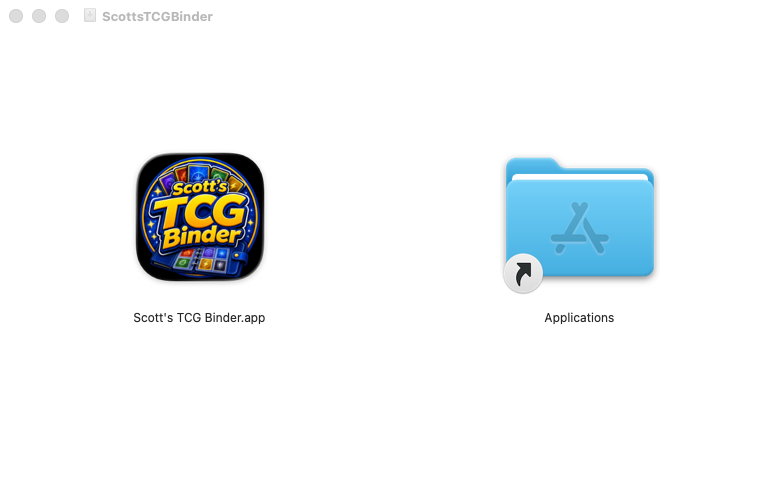
Open the downloaded disk image. macOS shows a window named ScottsTCGBinder.