Scan & Identify
Capture a card with a camera or import an image. Scott’s TCG Binder combines card recognition and available text information to locate the matching catalog card, then lets you review the result before adding it to your collection.
 Scott's TCG Binder
Scan cards. Track what you own. Find what you’re missing. Know what your collection is worth.
Scott’s TCG Binder is a collection management application built for Pokémon TCG collectors who want more than a spreadsheet or a card list.
Add cards with your camera or from existing images, organize physical cards by storage location, explore sets and evolution chains, track completion goals and wishlists, monitor estimated market value, analyze how your collection changes over time, and keep your personal collection available across Mac, iPhone, and iPad.
Mac
shot desktop-home · seq 1 · assets/screenshots/original/desktop/0001.png
iPhone
shot iphone-home · seq 101 · assets/screenshots/original/iphone/home.png
Additional platform screenshots will be added as this guide is expanded.
Adding a card is the beginning, not the end.
Capture a card with a camera or import an image. Scott’s TCG Binder combines card recognition and available text information to locate the matching catalog card, then lets you review the result before adding it to your collection.
Keep quantity, condition, grading information, foil, language, storage location, notes, favorites, trade and sale status, purchase details, and your own card photo with the collection record.
Browse the Pokémon TCG catalog by series and set, see which cards you already own, identify what is still missing, and track the sets you are actively building.
Explore your cards beyond set numbers. Pokédex views and Evolved Pokémon chains show which Pokémon and evolution stages are represented across your collection.
View available market-price estimates, identify cards without pricing, and follow the estimated value of your collection. Analytics shows where the collection is growing, where gaps remain, and where value is concentrated.
Create physical storage locations and associate cards with them so a collection of hundreds or thousands of cards remains searchable in the app and findable in the real world.
Wishlist individual cards, track sets, and review missing-card opportunities. Deck building is a separate workspace: choose a format, a goal, and whether the pool is your collection or the eligible catalog, then generate a deck from those choices.
Use Scott’s TCG Binder on Mac, iPhone, and iPad.
Supported personal collection information can synchronize privately through your iCloud account. The application also includes local Mac and iPhone workflows where a paired Mac shares its catalog, or collection records, on the same network.
Large catalog and recognition resources stay on the device. Supported personal collection records can move between devices. Scan originals are not synchronized. Personal card photos synchronize only when Sync Personal Images is turned on, or through the local Mac and iPhone collection sync.
The largest workspace for the collection, the catalog, analytics, scanning, storage, and desktop data tools.
Mac guideReview the collection, browse sets, scan with the back camera or a photo, and check supported analytics away from the desk.
iPhone guideThe same collection model as iPhone, with more room for grids, set progress, analytics, and card details.
iPad guideScott’s TCG Binder brings together jobs that often end up scattered across card lists, spreadsheets, pricing sites, binders, and notes.
Your cards stay physical.
Your collection becomes searchable, measurable, and understandable.
Search, filter, and inspect the cards you own, including quantity and the details that belong to each copy.
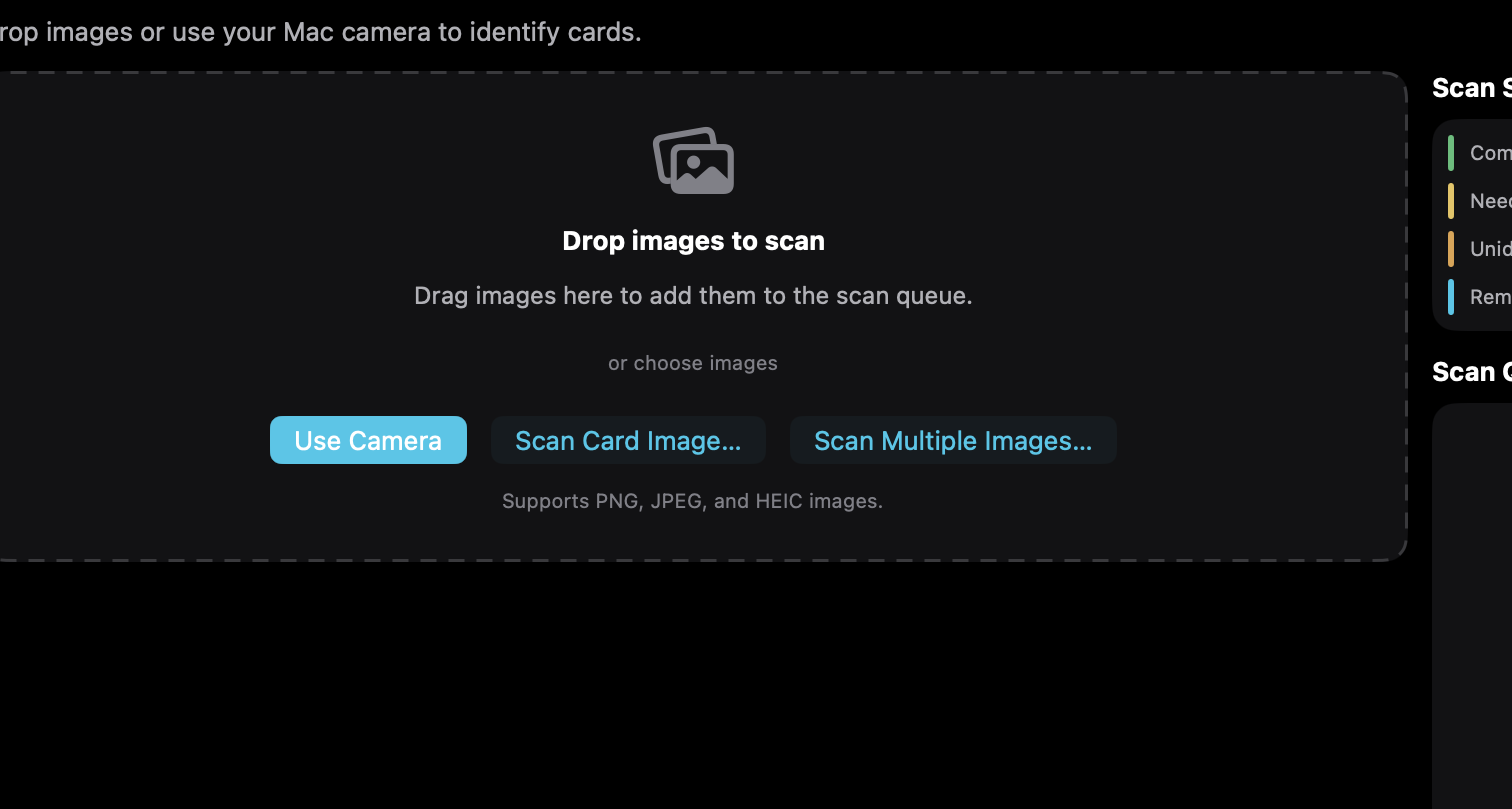
Capture a card or import an image, review the catalog match, and add it to the collection.
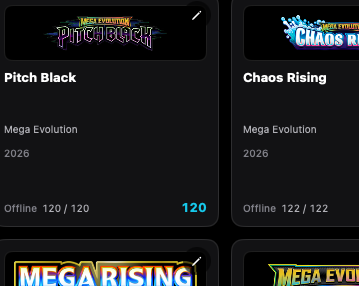
Browse series and sets, then compare each checklist with the cards you own.
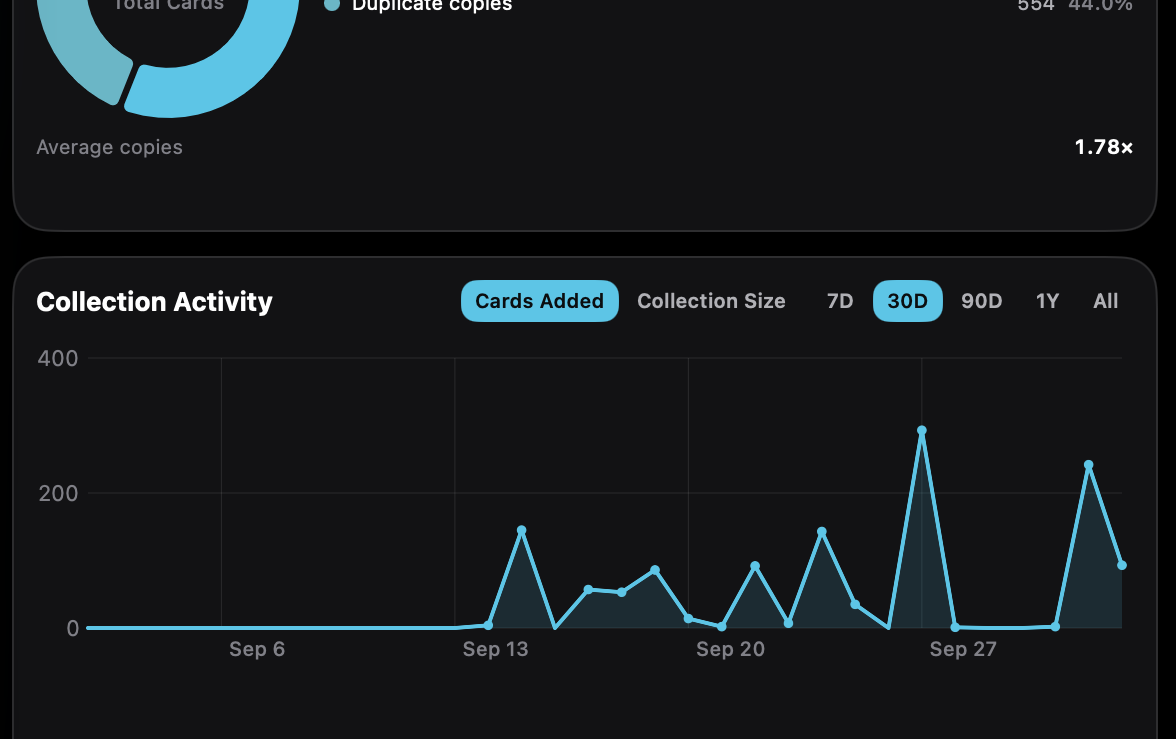
Follow additions, estimated value, set completion, missing cards, and other collection trends.
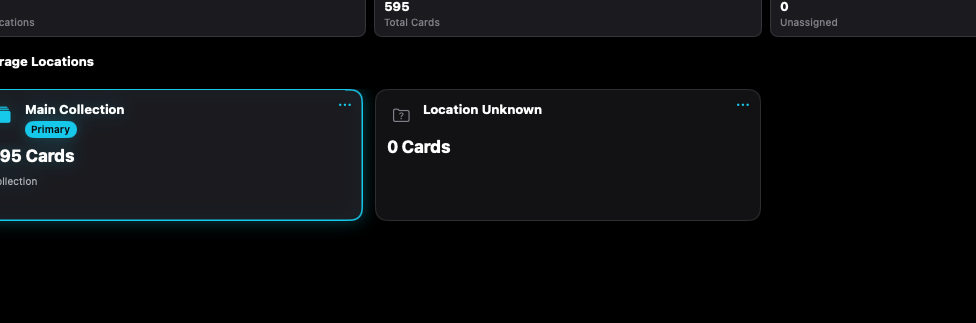
Associate collection records with the binders, boxes, and other places you define.
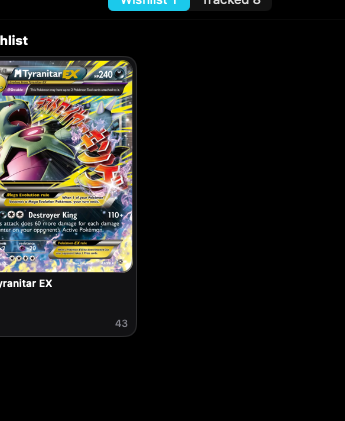
Keep individual wanted cards on the wishlist and broader goals on tracked sets.
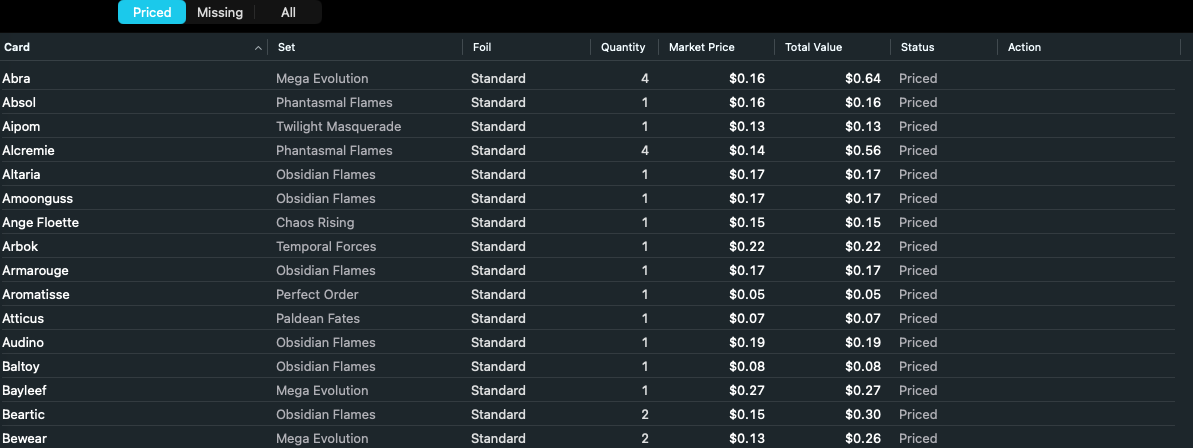
See estimated card values, how quantity contributes, and which cards have no current pricing.
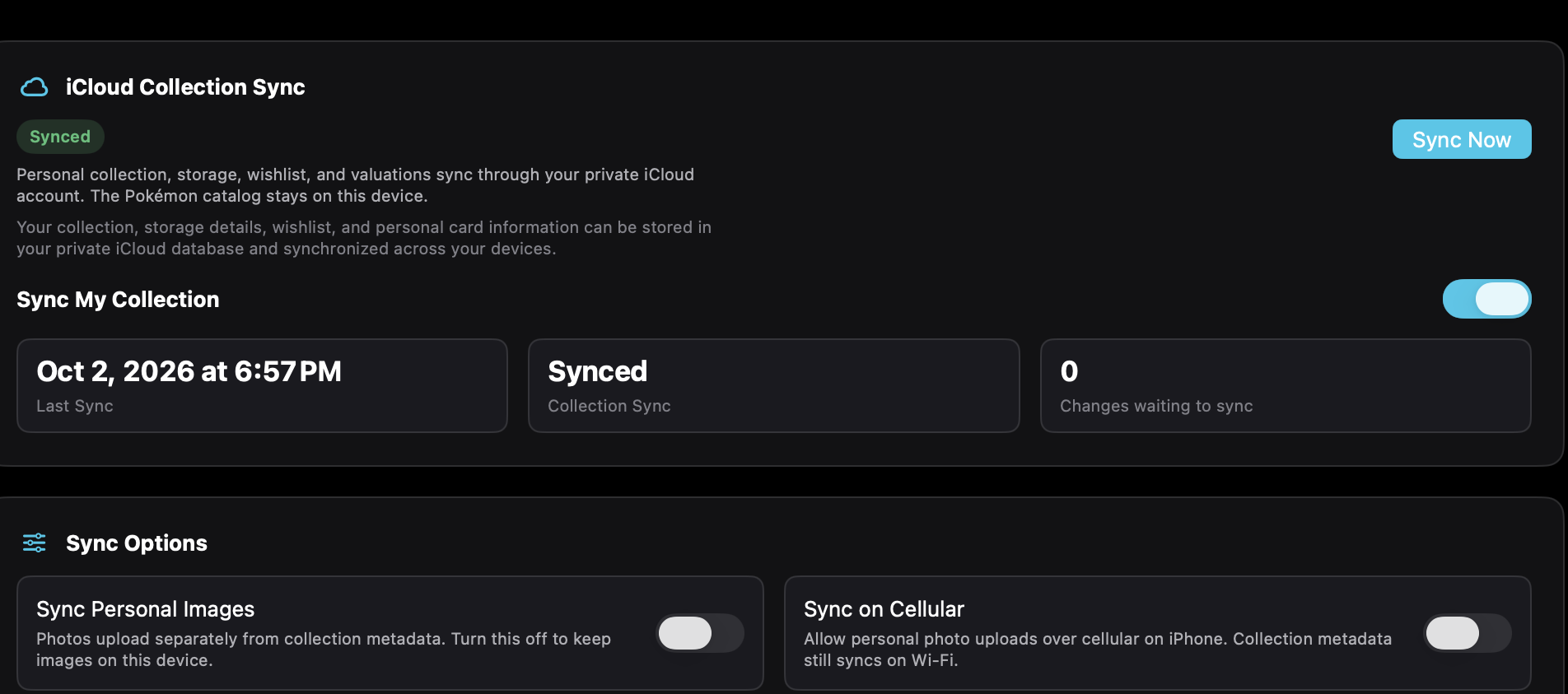
Synchronize supported personal collection records through your private iCloud account. The catalog stays on the device.
Support is organized by the job you are trying to do, from the first card to sync and recovery.